
Why customers choose Anchorside.com
We make it easy to buy from.
Expert Service
Knowledgeable EXPERIENCED help from quote to delivery.
Reliable Delivery
Clear timelines and dependable fulfillment. We find the solution to make your deadline.
Quality First
Loyal Customers in All 50 States!
Real Support
Talk to a real person when you need help. Imagine That!
Popular categories
Some of our more popular Categories.
Featured products
Products that put us on the map...
 Print
Print
 Configurable
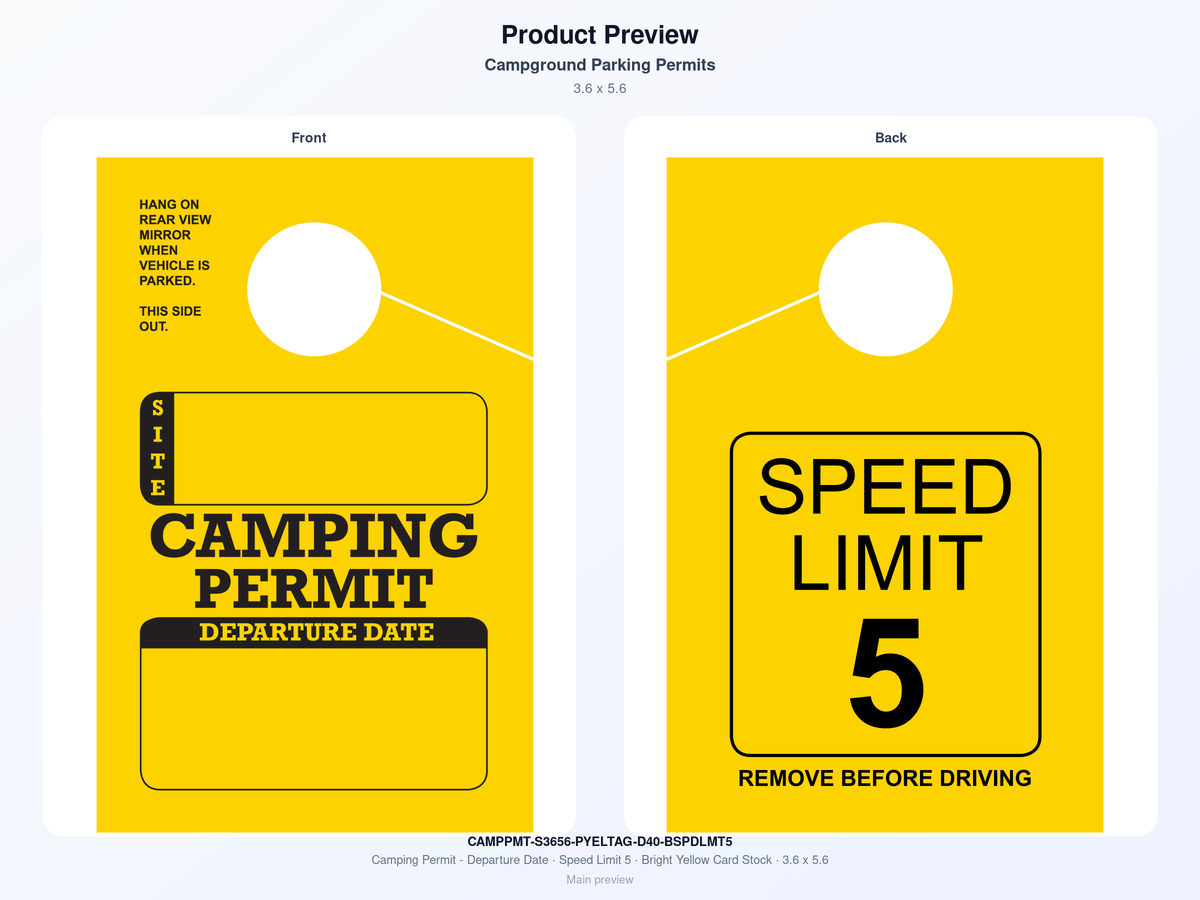
Campground Parking Permits
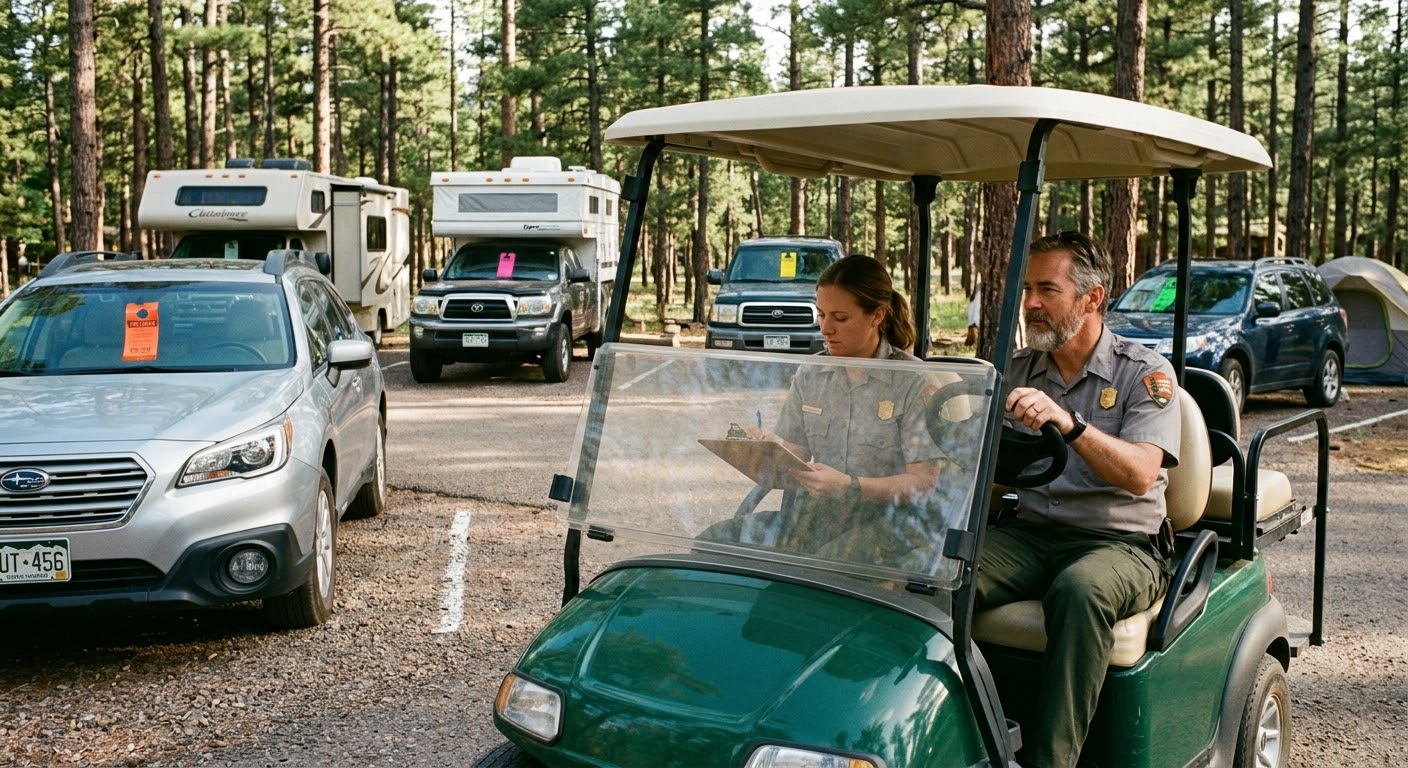
Let us simplify the organization of Happy Campers, RV's and Vehicles at your Campground or RV Park. Our Camping Permits…
 Configurable
 Configurable
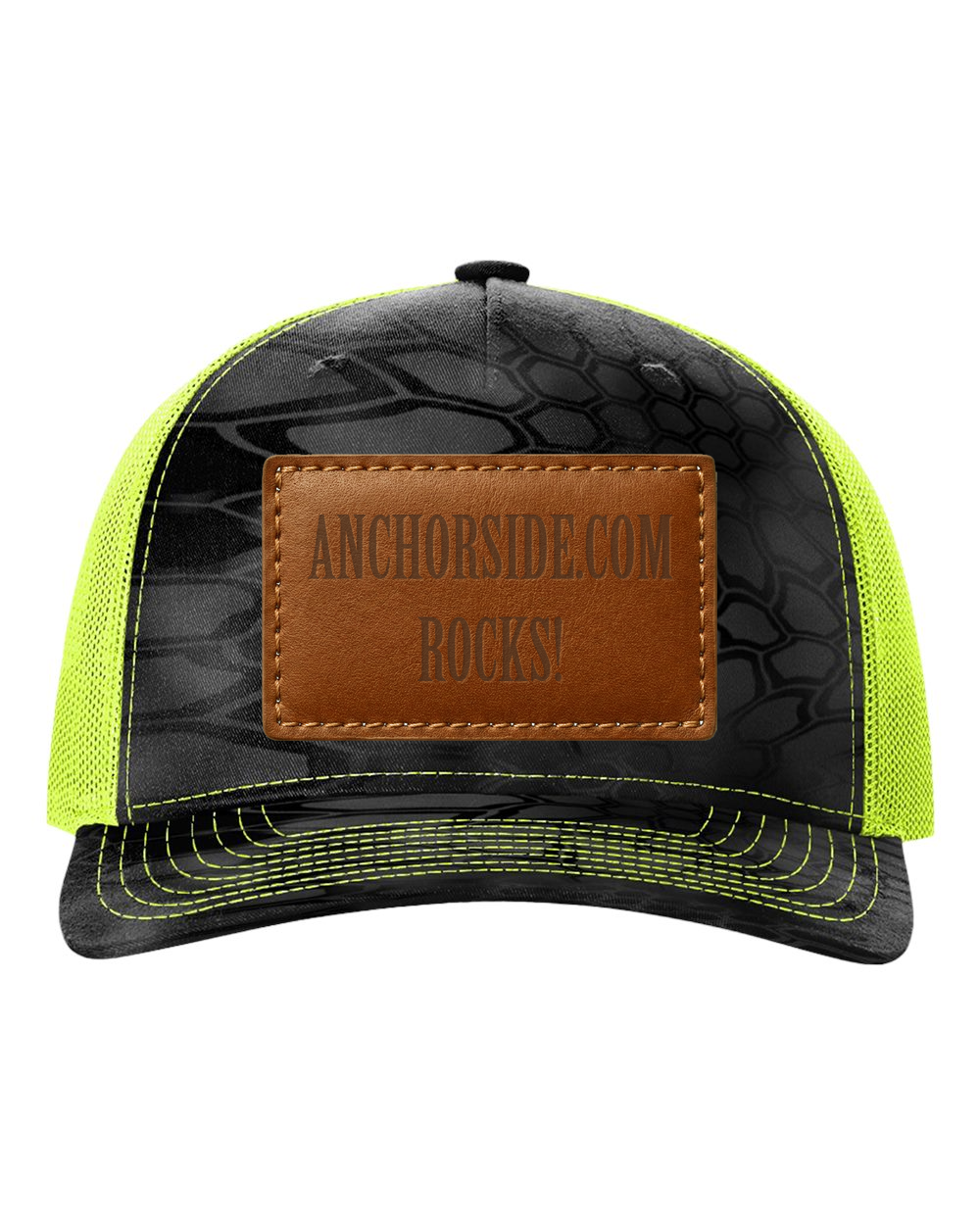 Apparel
Richardson 112 Trucker Hat
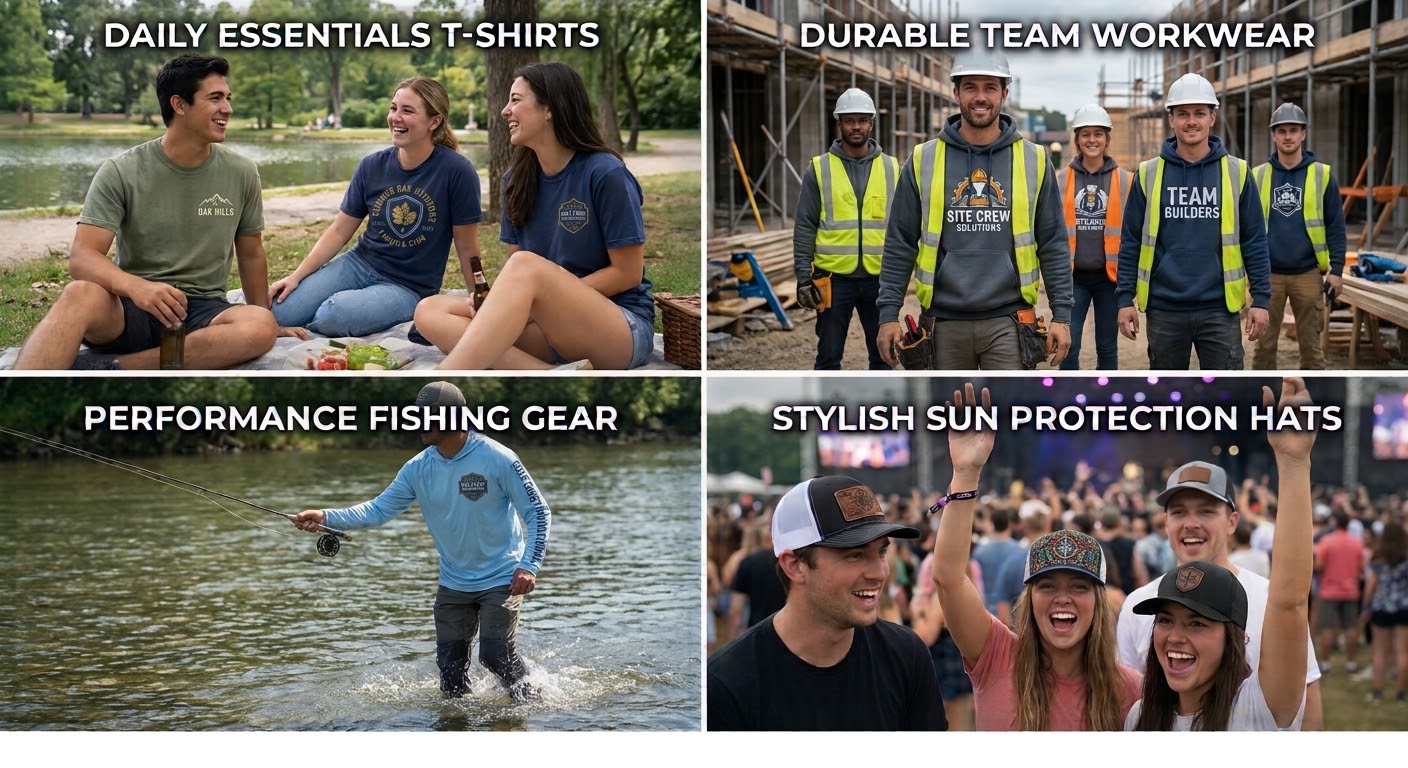
Custom Richardson 112 trucker hats with embroidery or leather patch decoration.
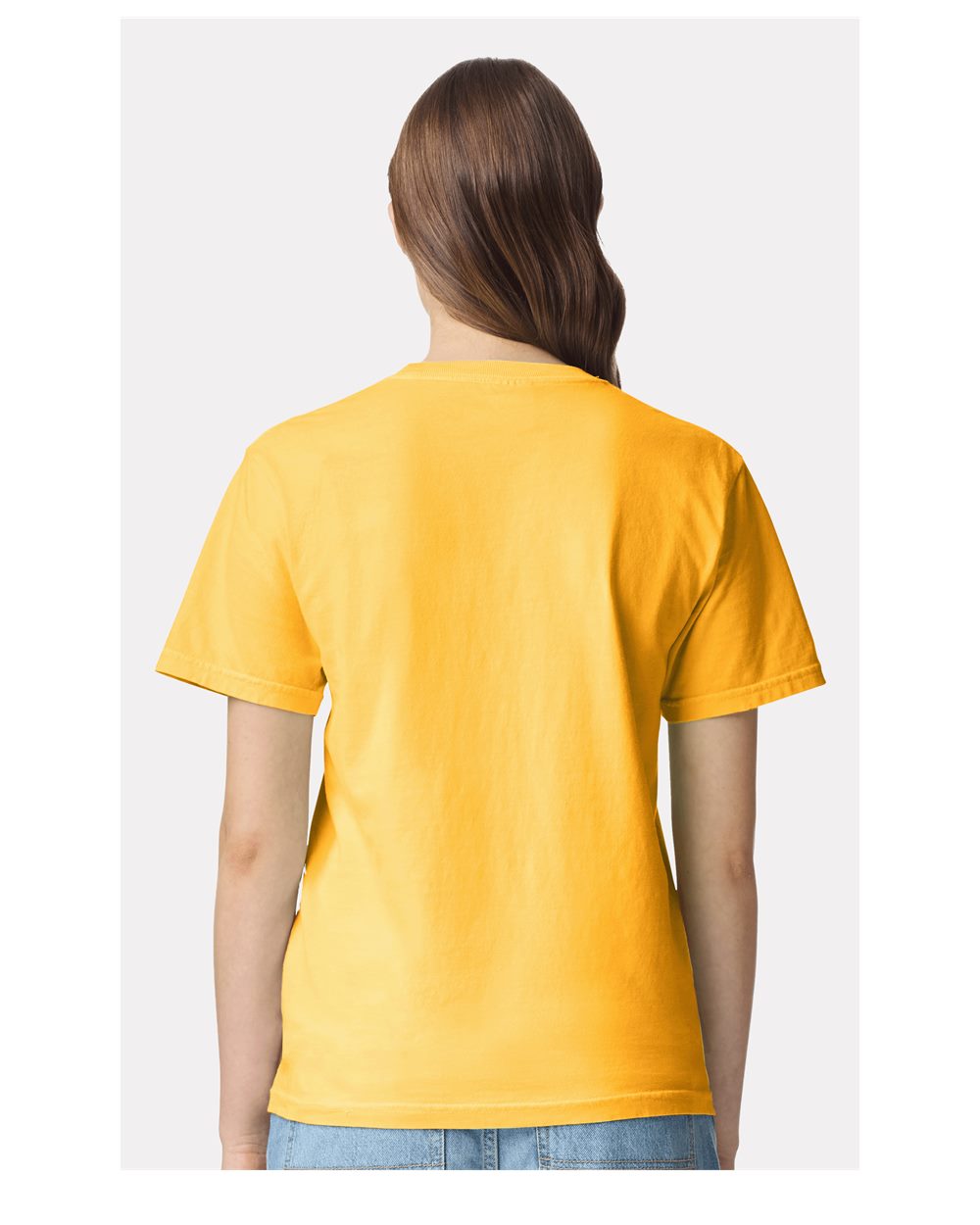 Apparel
Custom Comfort Colors T-Shirts
Explore details, options, and ordering information for this item.
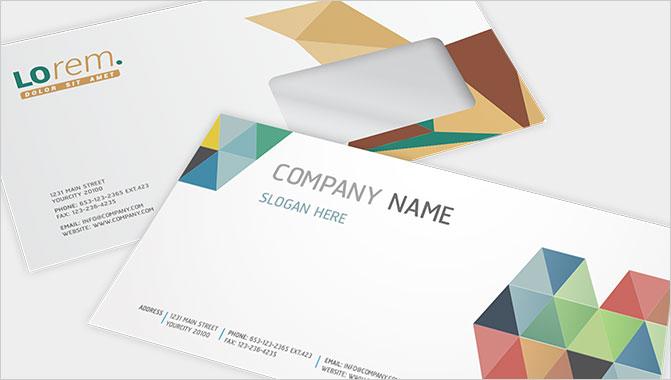 Generic
Envelopes - 1 Color
Explore details, options, and ordering information for this item.
 Configurable
Day Pass
Let us simplify the organization of vehicles at your Campground or RV Park. Our mirror hang tags are manufactured in va…
Need help choosing the right option?
Guided help flow is a phone call away.
Frequently asked questions
Learn more about how we do business.
Turnaround depends on the product, quantity, finishing, proof approval, and shipping method. Standard jobs are usually produced faster than specialty work that requires coatings, folds, die cutting, or complex setup.
Rush service is often available, but the clock usually starts after artwork is approved and the order is fully ready for production.
- Production time and shipping time are separate
- Approvals and missing files can delay the schedule
- Large orders or specialty finishing may require extra time
Many orders can be proofed before production. A proof is the customer's chance to confirm spelling, layout, colors, sizing, and placement before the job is released.
A proof helps catch mistakes, but it does not replace checking the source file carefully. Delays in proof approval can push the production schedule.
- Digital proofs show layout and content, not an exact press match
- Production generally starts after approval
- Minor color differences can still happen between screens and print
Preferred artwork is usually a press-ready PDF with fonts embedded or outlined and images at sufficient resolution. Vector files such as AI, EPS, and SVG are often best for logos and clean line art.
PNG and JPG files may work for simple jobs, but low-resolution web graphics often do not print well at larger sizes.
- Best: PDF, AI, EPS, SVG
- Sometimes acceptable: PSD, TIFF, JPG, PNG
- Editable office files may need setup work before production
Bleed is extra background artwork that extends past the finished trim edge so color prints cleanly to the edge. Trim is the final cut line. Safe area is the space inside the trim where important text and logos should stay.
Without bleed, edge-to-edge designs can show thin white borders after cutting. Without safe area, important content can end up too close to the edge.
- Standard bleed is commonly 0.125 inch on each side
- Keep text and logos inside the safe area
- Backgrounds should extend fully through the bleed
For most printed pieces, 300 DPI at final size is the general target for raster images. Lower resolution can look soft, pixelated, or blurry, especially on close-viewed products.
Large-format signs may sometimes be acceptable at lower effective resolution because they are viewed from farther away, but clean source artwork is still important.
- 300 DPI is a strong rule for common print items
- Logos should ideally be vector
- Do not rely on screenshots or tiny web images for print